
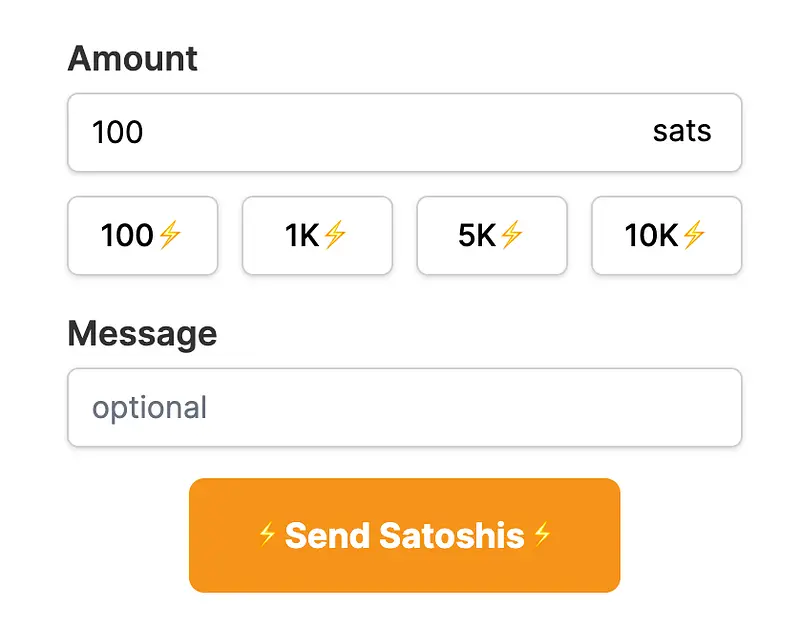
With the Alby Chrome/Firefox Extension, you can get direct contributions from your audience. Use a Lightning Address to receive value-for-value payments in Bitcoin from your audience.
Features
Quick & Easy Setup
Just connect your existing Bitcoin Lightning wallet or create a new wallet in a few clicks.
Convenient & Secure
When a website requests a payment you will be prompted for confirmation. No need to search for your credit card, no QR-Code scanning or app-switching.
Control your Budget
Set your budget and manage your allowances for each website to automate the payment process.
Content Monetization
Send and receive payments on websites, Twitter or YouTube, and other social media platforms.
Passwordless logins
Authenticate with a Bitcoin Lightning wallet. No need to remember a username or password.
No Tracking Software
No stats, analytics, or other trackers come with the extension.
Open Source
Completely open code that can be audited and extended by anyone.
Setup
Once you install the plugin, you just need to configure each social media or website with your Lightning Address.
Your own Landing Page
You will automatically get a landing page that people can use to send you Satoshis. For example https://getalby.com/p/thebitcoinhole
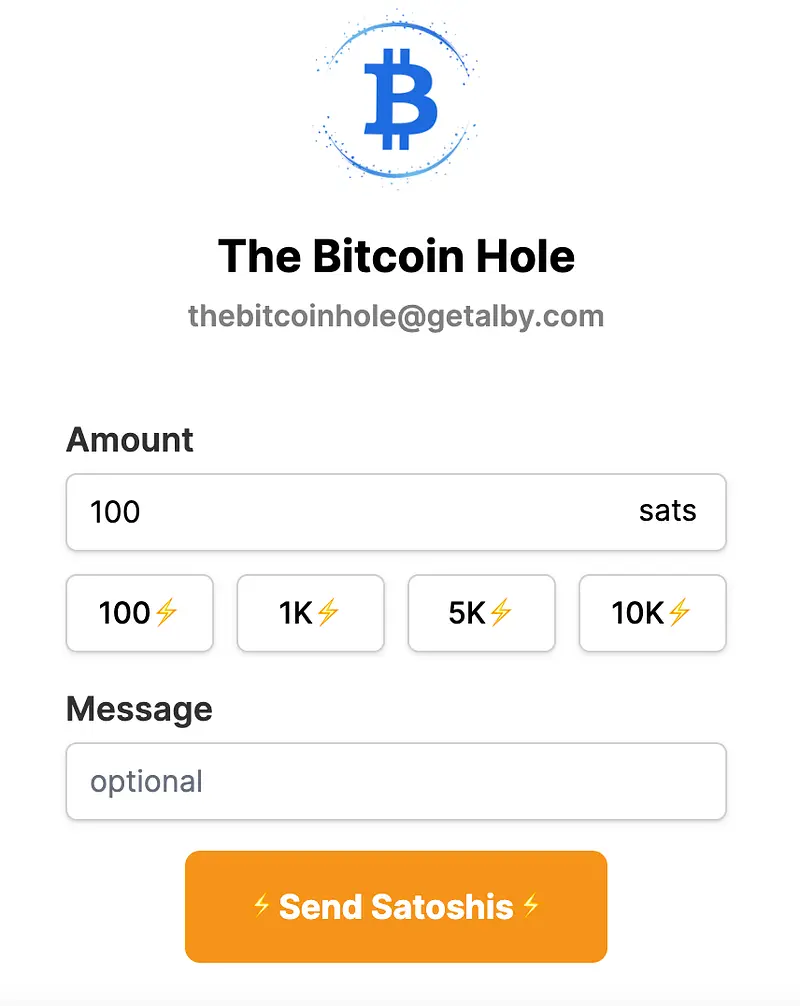
https://getalby.com/p/thebitcoinhole
Personal Website
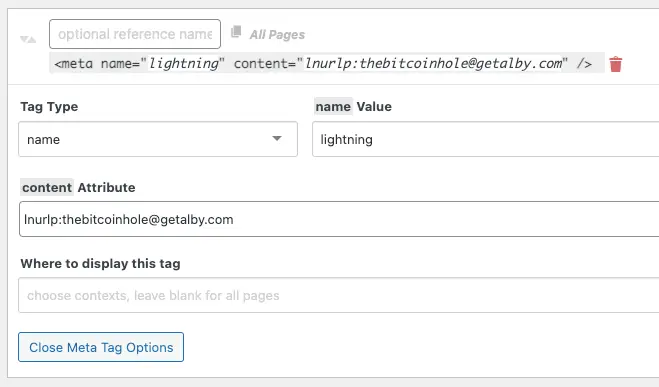
- Add this meta tag to the HTML header section of your website, replacing the Lightning Address with your own:
``html <meta name="lightning" content="lnurlp:thebitcoinhole@getalby.com"> ``
- Make sure to have an
og:imagemeta tag.
If your site uses WordPress, you can install the Meta Tag Manager plugin, and then go to Settings -> Meta Tag Manager to add the meta tag.
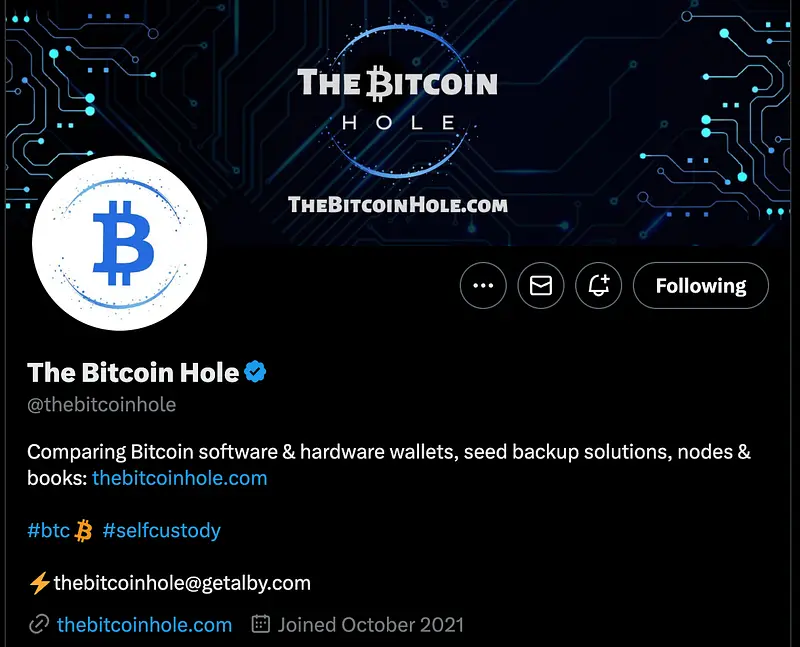
Add your Lightning Address after the Lightning icon on your profile description. For example: ⚡thebitcoinhole@getalby.com
GitHub
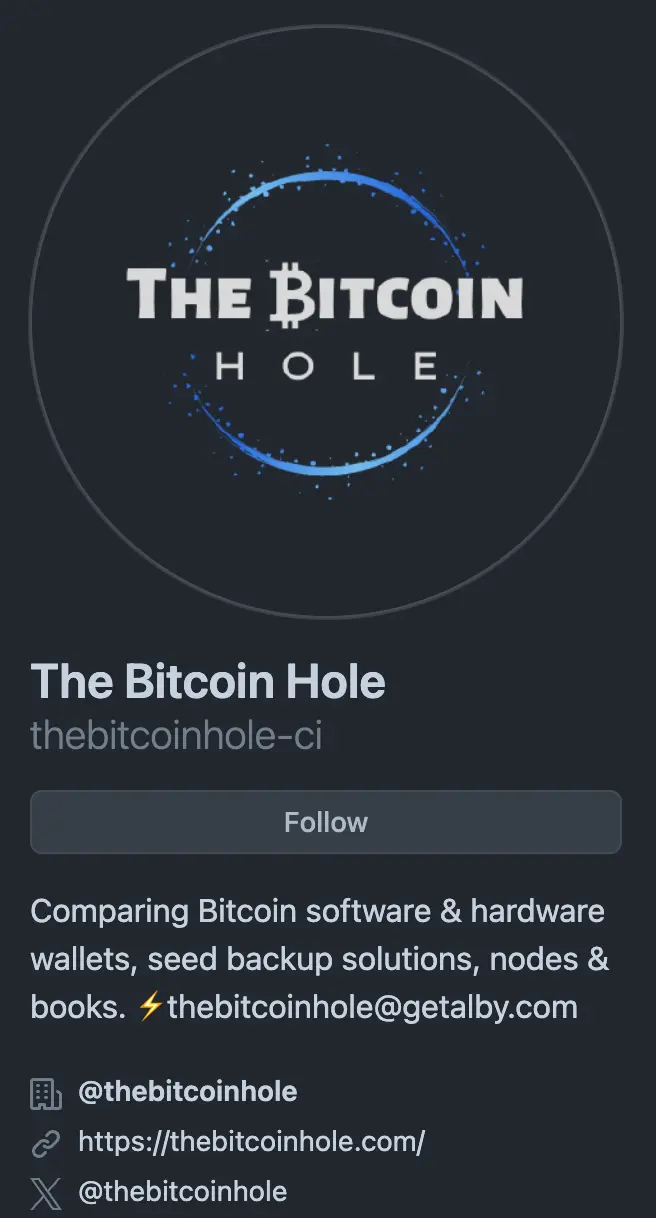
Add your Lightning Address after the Lightning icon on your profile description. For example: ⚡thebitcoinhole@getalby.com
YouTube
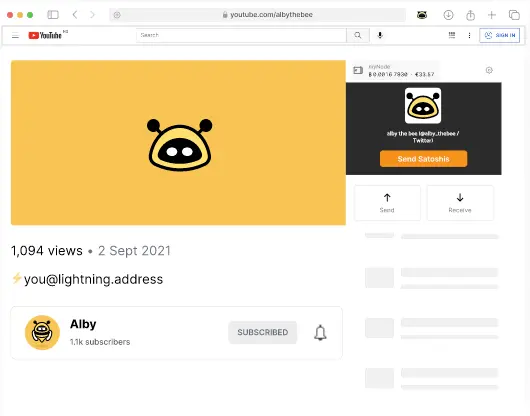
Add your Lightning Address after the Lightning icon in the description of a video in your YouTube channel. For example: ⚡thebitcoinhole@getalby.com
Visit our Website
With so many hardware wallets on the market, it can be challenging to choose the right one for your needs. That’s where our Hardware Wallet Comparison TheBitcoinHole.com website comes in. You will find the most comprehensive and honest resource for comparing the features of the top hardware wallets.
Support Us
There are different ways to support our work:
 Support Us on Ko-fi