
Umbrel
Umbrel is a beautiful personal server OS for self-hosting. You can run a personal server in your home, self-host open source apps like Nextcloud and Bitcoin node, break away from big tech, and take full control of your data for free. Umbrel can be installed on a Raspberry Pi 4 or any Ubuntu/Debian system.
In the following articles you will find a guide to setting up a Bitcoin Node with Umbrel on a Raspberry Pi 4 or 5:
How to set up a Bitcoin Node with Umbrel on a Raspberry Pi 4
How to set up a Bitcoin Node with Umbrel on a Raspberry Pi 5
Sentinel
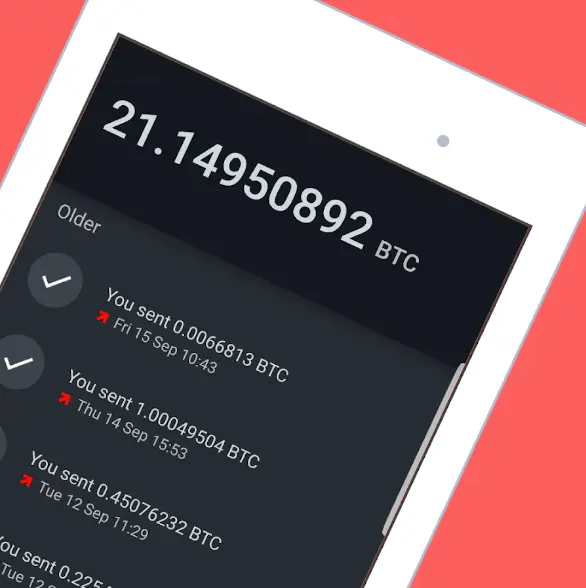
The Sentinel app is a watch-only wallet. It is ideal for connecting your Hardware wallet. Your online companion for your offline and cold storage bitcoin wallets. These are the main features of Sentinel app:
Keep your private keys private.
Track your offline, cold storage, and paper wallets without your private keys. Sentinel is entirely public key-based, meaning your private keys stay private and are never needed or requested.
Keep watch with the Sentinel Watchlist
Add one or many bitcoin wallets to your personal watchlist to keep an eye on balance and transactions. The powerful watchlist can track all types of bitcoin addresses and extended public keys.
Easily receive into your offline wallets while on the go
Sentinel can derive the next unused address for any wallet on your watchlist. Generate addresses directly for your offline cold storage without exposing your private keys or reducing your security.
Broadcast signed transactions from your offline wallet
Use Sentinel to push your offline transactions to the bitcoin network. Your offline bitcoin wallet may eventually need to send a transaction. Do not compromise the security of your offline wallet by bringing it online. Use Sentinel to maintain the air gap.
Connect Sentinel to your Bitcoin Node on Umbrel
You can follow these steps to easily connect Sentinel to your Bitcoin Node on Umbrel.
- Install
Samourai Serverapp on Umbrel
- Install
Sentinelapp on Android using this Google Play Store link. - Click on the
Networkicon of theSentinelapp. You will see options to enable Tor Routing and a Dojo Full Node.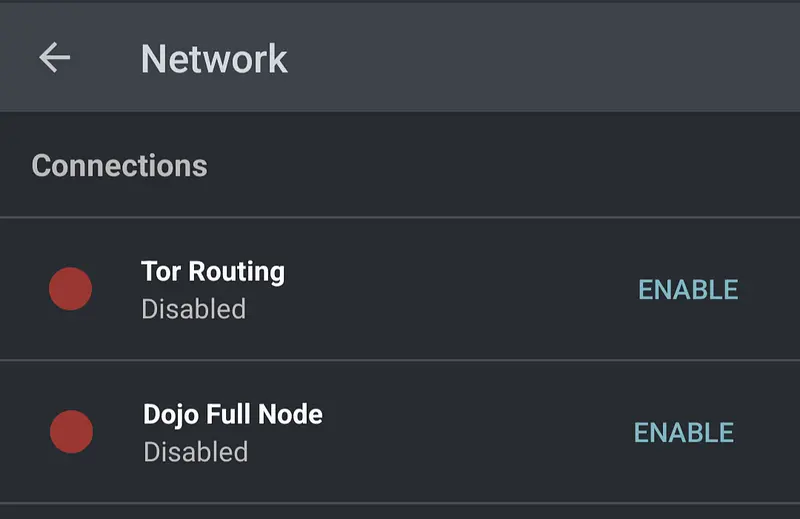
- Enable
Tor Routing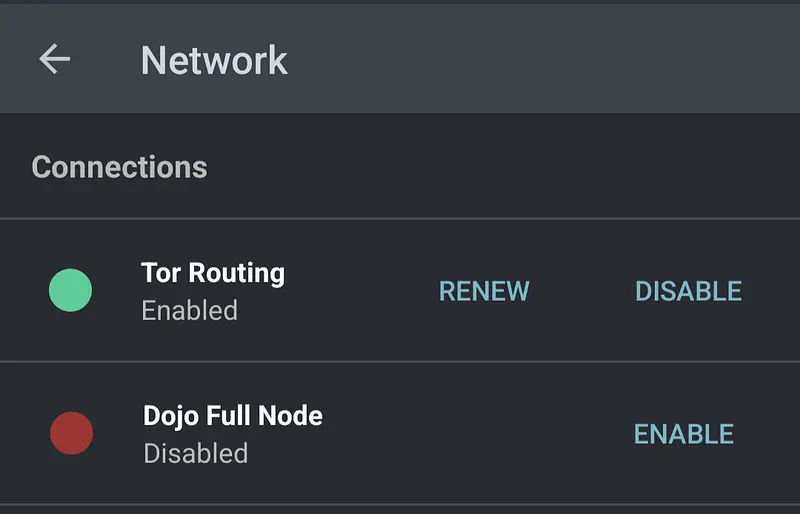
- Enable
Dojo Full Node. You will need to Scan the QR Code displayed on theSamourai Serverapp on yourUmbrel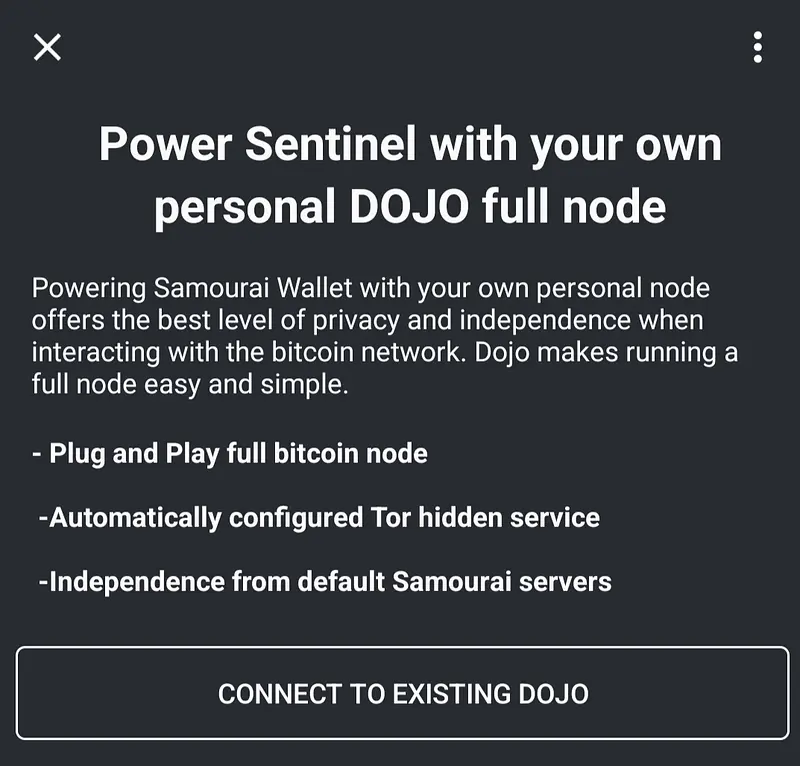
Watch your Hardware Wallet on Sentinel
If you want to see your hardware wallet balance (watch-only) on the Sentinel app, you need to first click on the Start option
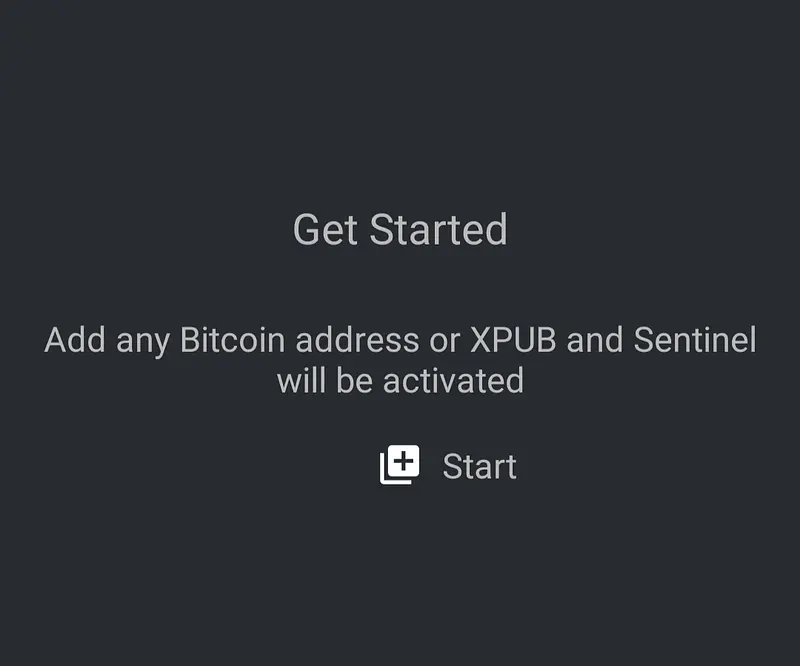
Then you need to pick the proper option according to the Extended Public Key format supported by your hardware waller: XPUB, YPUB or ZPUB:
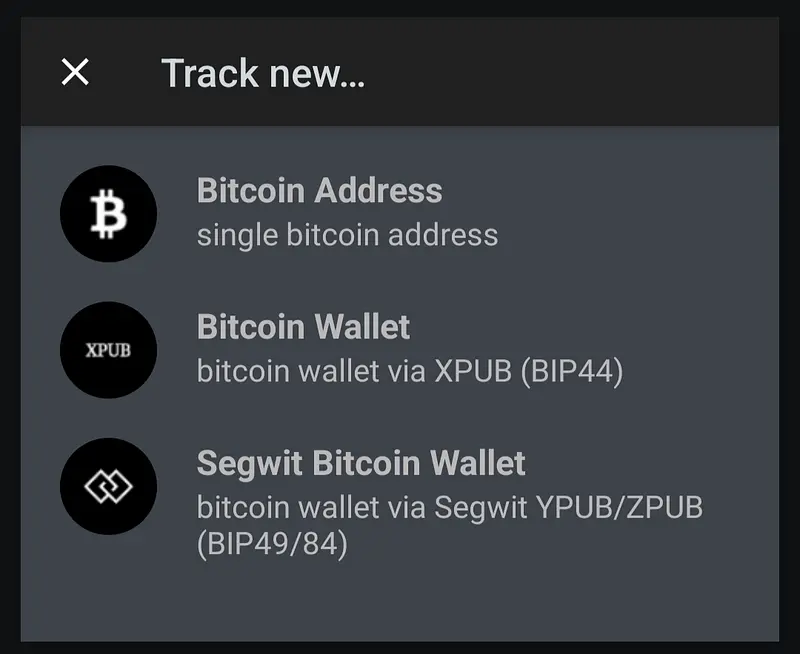
You can read here to understand more about Extended Public Keys.
Once you scan the Extended Public Key you will start to see your hardware wallet balance directly on your Sentinel app.
In this video you have an example of how to connect a software wallet to Sentinel:
Visit our Website
With so many hardware wallets on the market, it can be challenging to choose the right one for your needs. That’s where our Hardware Wallet Comparison TheBitcoinHole.com website comes in. You will find the most comprehensive and honest resource for comparing the features of the top hardware wallets.
Compare the top node platforms
Using Umbrel and wondering how it compares to Start9, the other leading node OS? We put both head to head on hardware, apps, firmware and price.
Umbrel vs Start9: which Bitcoin node wins?
Support Us
There are different ways to support our work:
 Support Us on Ko-fi